Self-hosting journey - #1
12 Feb 2026The middle of the RAM rampage seemed like a perfect moment to get into homelabbing. So, inspired by the TinyMiniMicro project I began my search of willhaben and facebook marketplace.
I found this little machine - ThinkCentre M920q Tiny refurbished, with 12 month warranty, for around 140€.
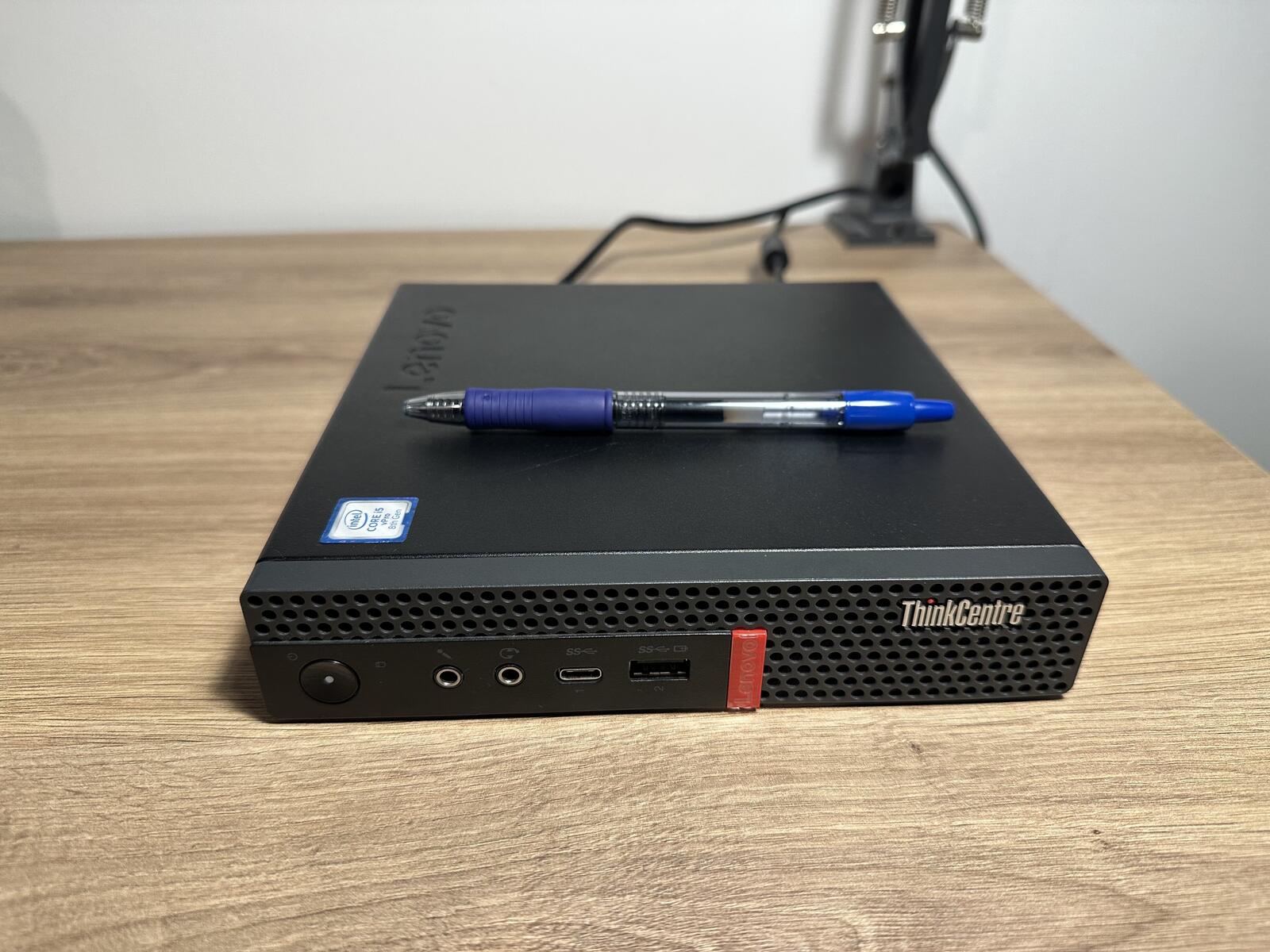
- CPU: Intel Core i5-8500T (6 Cores)
- RAM: 16 GB DDR4. It’s a single stick, so I have a free slot to upgrade later.
- Storage: 256 GB NVMe SSD + 500 GB HDD for data.
Motivation
My main motivation behind this project is to learn move about linux, networking, and virtualization. But I also wanted to make it practical, therefore I defined what services I want to run.:
- A Linux VM to play around with and experiment.
- Production apps, like Actual Budget.
- My own development projects and apps.
- A GitHub Runner.
- And more in the future.
Requirements:
- Securely connect to the local network from the outside world.
- Access services with friendly URLs like
budget.lan.
Plan
I decided to use Proxmox VE as a virtualization platform.
To fulfill my requirements I decided on the following structure. Apart from the Proxmox VE Host OS I’ve split my system into four parts:
1. LXC: infra-services
For critical network tools like Tailscale (VPN), and more in the future. Kept lightweight.
2. VM: sandbox-ubuntu
A Linux VM to play with.
VM docker-core
A stable Docker VM for services running 24/7 (like the budget app).
VM: github-runner
My build server for running GitHub CI/CD tasks locally.
Execution
I followed Proxmox docs and Tailscale’s youtube videos on how to install and configure Proxmox VE.
Then I created my sandbox VM, which I called jaskier.
SSH
To easily access my services, i added 2 hosts to my ~/.ssh/config named pve and jaskier.
Host pve
    HostName [IP_ADDRESS]
    User root

Host jaskier
    HostName [IP_ADDRESS]
    User [USER]
I then ran the following commands to copy my id_ed25519.pub key to both systems, allowing me to SSH without typing in a password:
ssh-copy-id pve
ssh-copy-id jaskier
Future work
I called it a day, and will continue in the upcoming days.